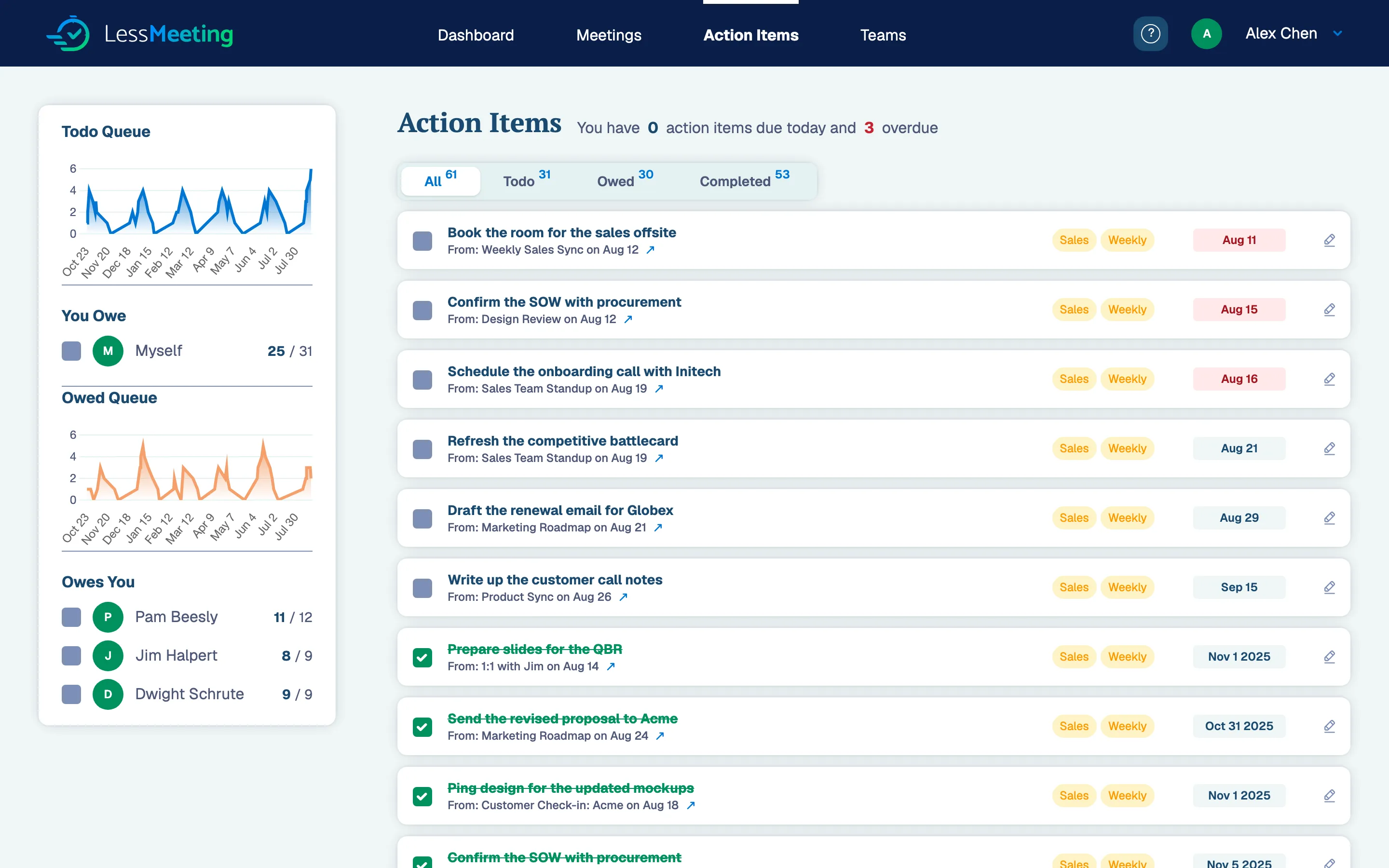
Actions items that are owed to you will show up on the Action Items page in the “Owed Todos” section below the list of your own action items.
If you have signed up for the Daily Digest email, recently completed action items will also show up there.
New Connect Claude, ChatGPT or Cursor to your meetings. See the MCP server
Actions items that are owed to you will show up on the Action Items page in the “Owed Todos” section below the list of your own action items.
If you have signed up for the Daily Digest email, recently completed action items will also show up there.
same category
Add an agenda, tags and goals straight from your calendar invite's description, or build them on the Less Meeting site instead.
Read MoreYes. Add as many email accounts and calendars as you need, validate each one, and switch your primary address whenever you like.
Read MoreThree ways to delete a meeting: cancel or decline it on your synced calendar, remove it in the mobile app, or delete it on the Meetings page.
Read More