Want to add your Agenda and Tags to your meeting invite? Here’s how, depending on where you want to add them:
1. In your meeting invite
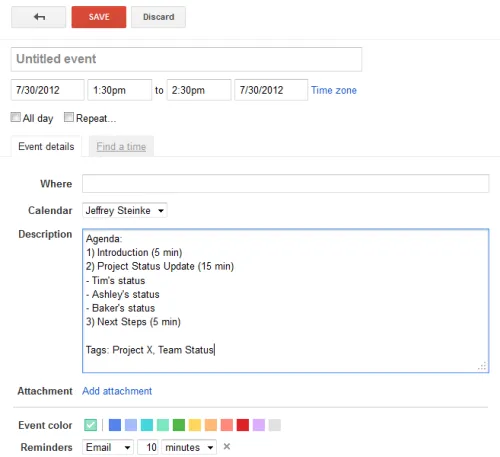
Once your calendar is synced to Less Meeting (Outlook/Microsoft 365, Google Calendar, [email protected], or your iPhone, iPad or Android calendar) you can add the Agenda to the message body/description in the following format:
Agenda:\
- Item One (10 min)
- sub agenda
- another sub agenda\
- Item Two (5 min)\
- Item Three (15 min)
Optionally you can also add Tags and Goals too. For example:
Tags: Tag 1, Another tag, etc
Goals:\
- First goal\
- Another goal
Note that sub-agendas and timing are optional for the Agenda. With Tags, separate each with a comma and add as many as you want.
That’s all there is to it. Less Meeting reads the agenda and tags from the invite and adds them to your meeting. Here’s what it might look like when you’re done:
2. From the Less Meeting Website
There are two ways to add an agenda on the site:
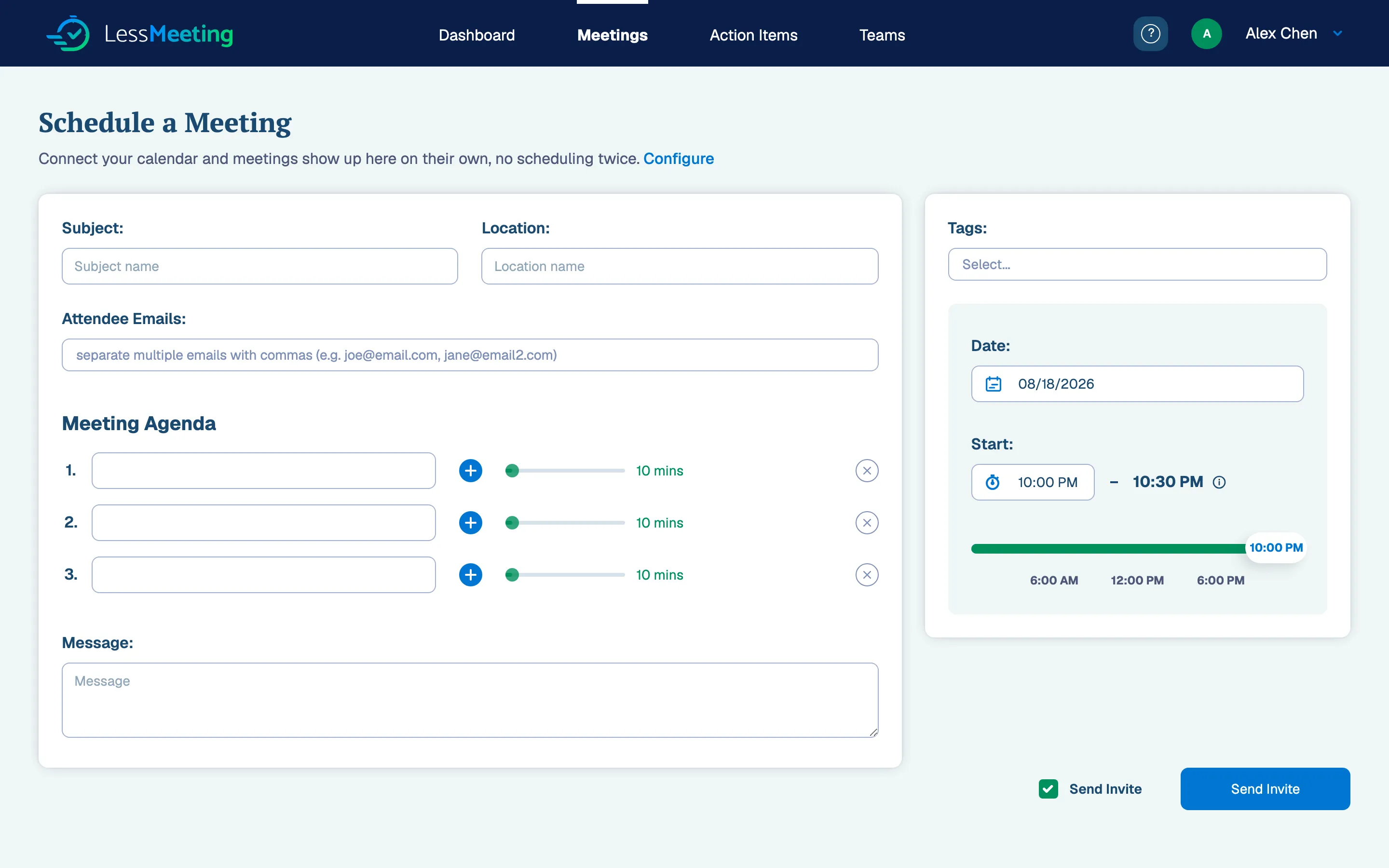
- If you’re creating a new meeting, just add it in there
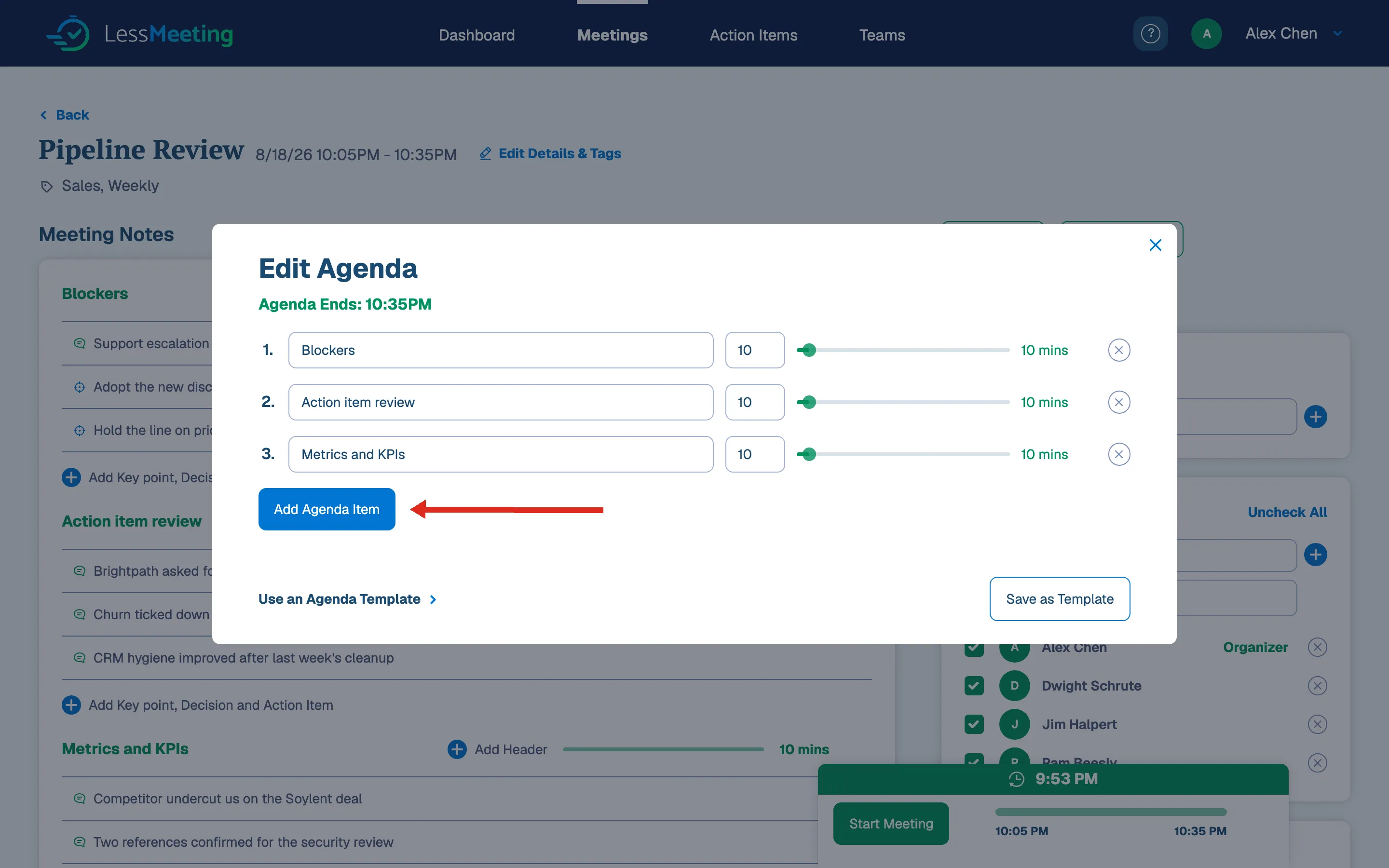
- Click the edit agenda link while on a meeting page