Search finds any note, decision or action item from a past meeting. Combine it with the filters on the Meetings page to find something from last week or last year.
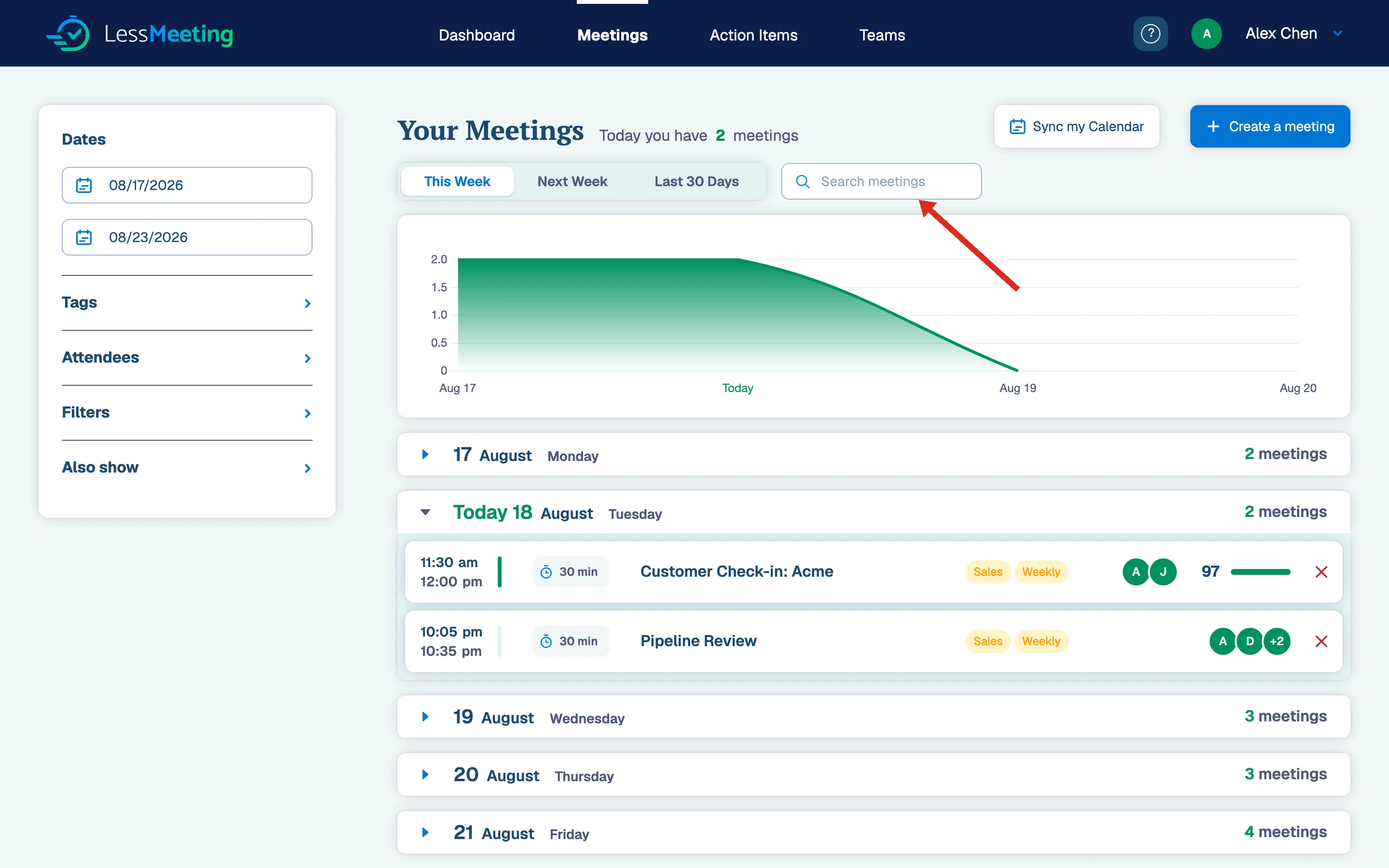
What Does Search Include?
Search looks through:
- Meeting Notes
- Decisions
- Action Items
- Subjects
- Tags
Searching With Wildcards
Use these wildcards to narrow your results:
- “-” to exclude results (e.g. “-status”)
- “+” to require a term (e.g. “+status”)
- “*” to match the rest of a word (e.g. “stat*” matches “status”, “state”, “statue”, etc.)