Want to take Less Meeting with you to the Web? Here’s how you can link your existing mobile account to a Less Meeting web account. With Less Meeting web you can share notes and action items across your team, access our Google Workspace & Outlook integrations, setup custom branded meeting minutes, and more…
The steps are the same in the iPhone, iPad and Android apps.
(Note: You’ll need a seat to use Less Meeting on the web. You can use the register link below to start a free 14-day trial, and no credit card is required.)
-
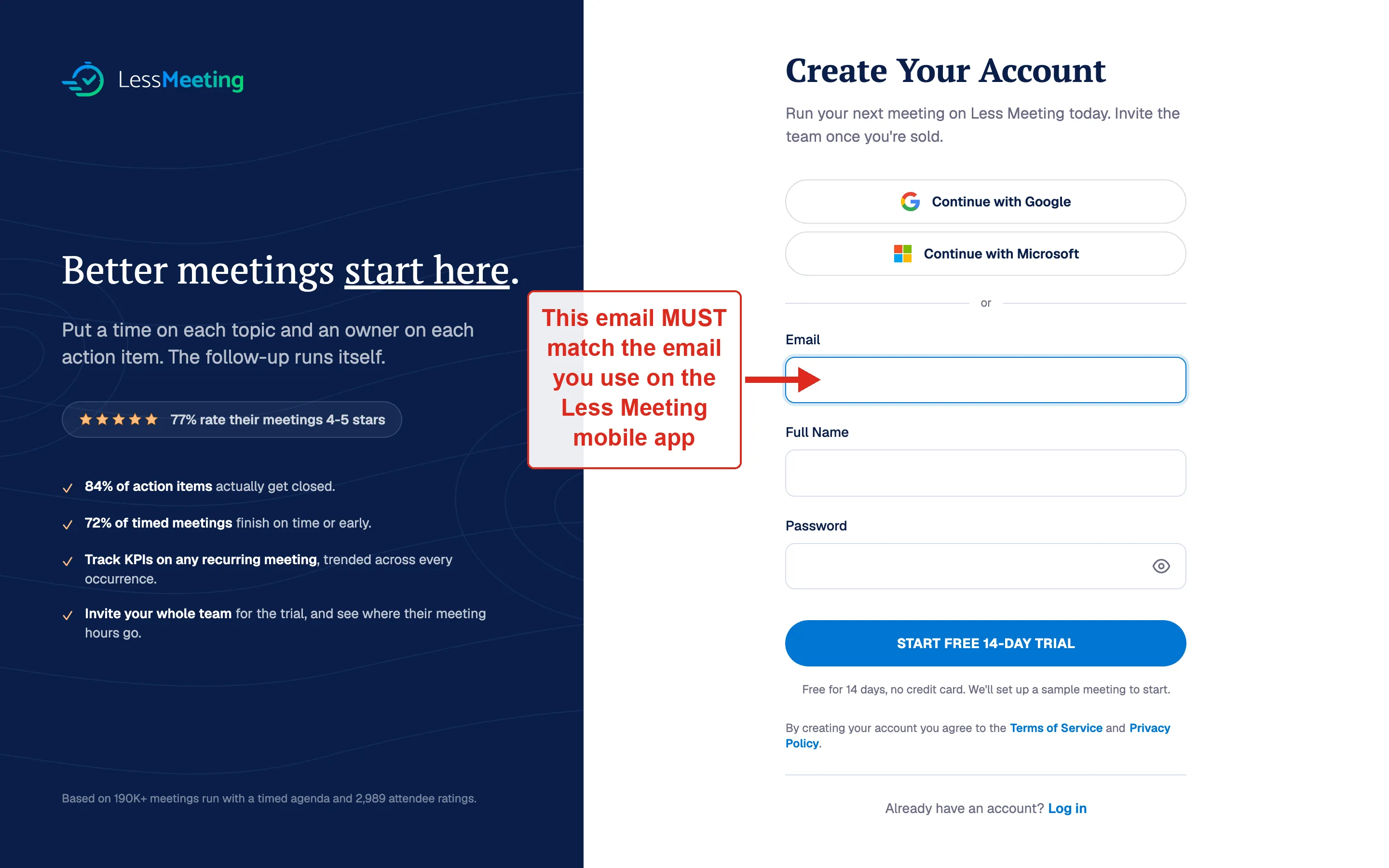
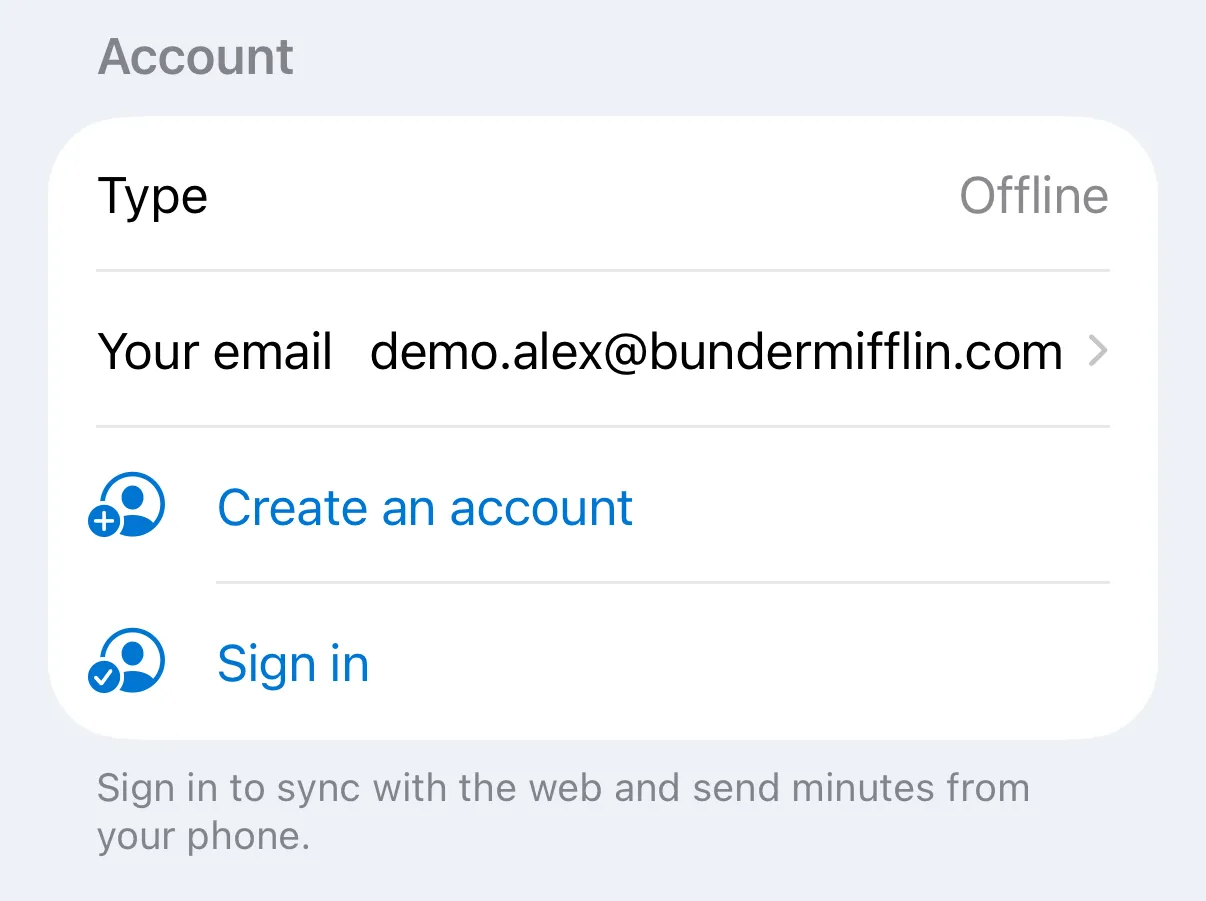
Enter the SAME email that you’re already using for the Less Meeting mobile app (you can see this on the Settings tab of the mobile app)
-
Complete the rest of the registration form and click Register
-
Check your email inbox & validate your registration email
-
Launch the Less Meeting mobile app and open the Settings tab
-
In the Account section, tap Sign in (your app email is shown there under Your email — use the same one)
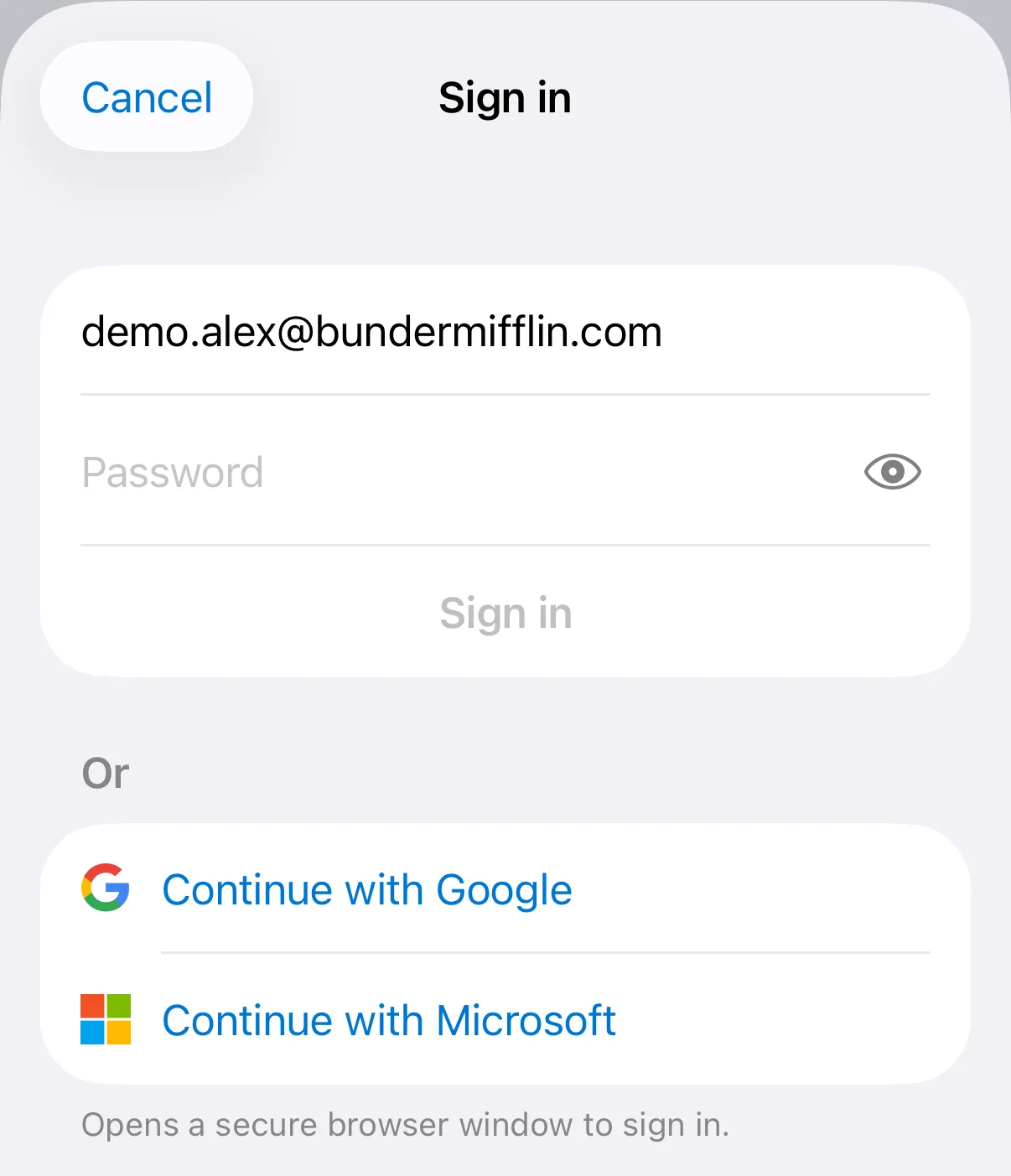
- Enter the same email and password you registered with in steps #2–3 above, then tap Sign in
That’s it. All your meetings, notes, and action items now sync between your mobile devices and the Less Meeting website.