Have you ever accidentally deleted a note with a mis-click?
Now you can quickly & easily retrieve the most recently deleted note (including any sub-notes that were also deleted)!
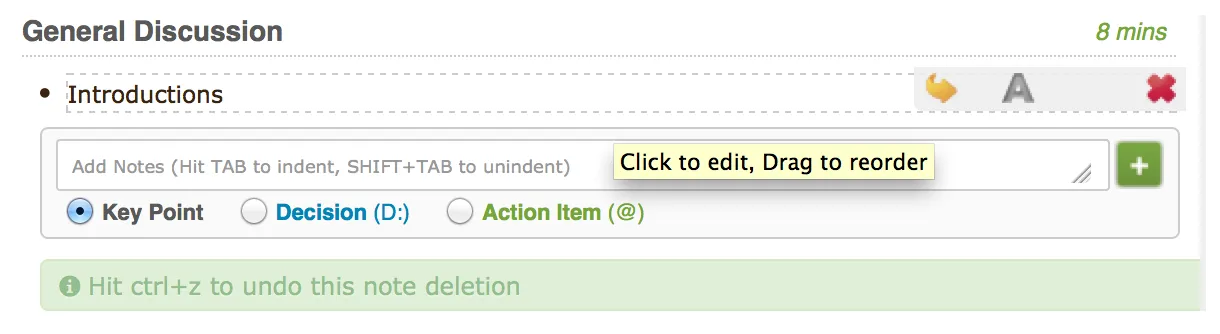
Simply press “Ctrl+Z” (“Cmd+Z” also works for Mac users) and your note will reappear.