As the plan administrator for your team or organization you can easily merge your plan with others, or invite additional team members, all from your Seats page.
1. Visit your Seats page
2. Locate the “Merge Plans with Mine” or “Users Without a Seat” sections
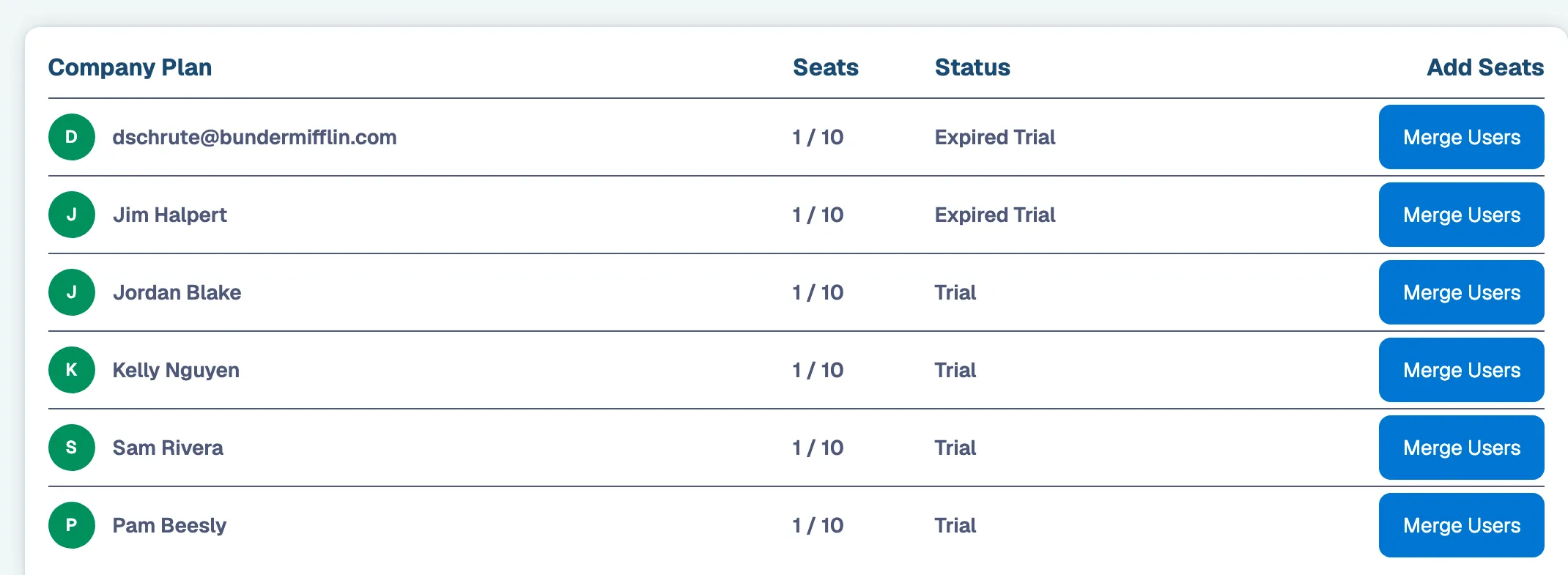
3. Click “Merge into My Plan” or “Invite” for the additional users you’d like to add

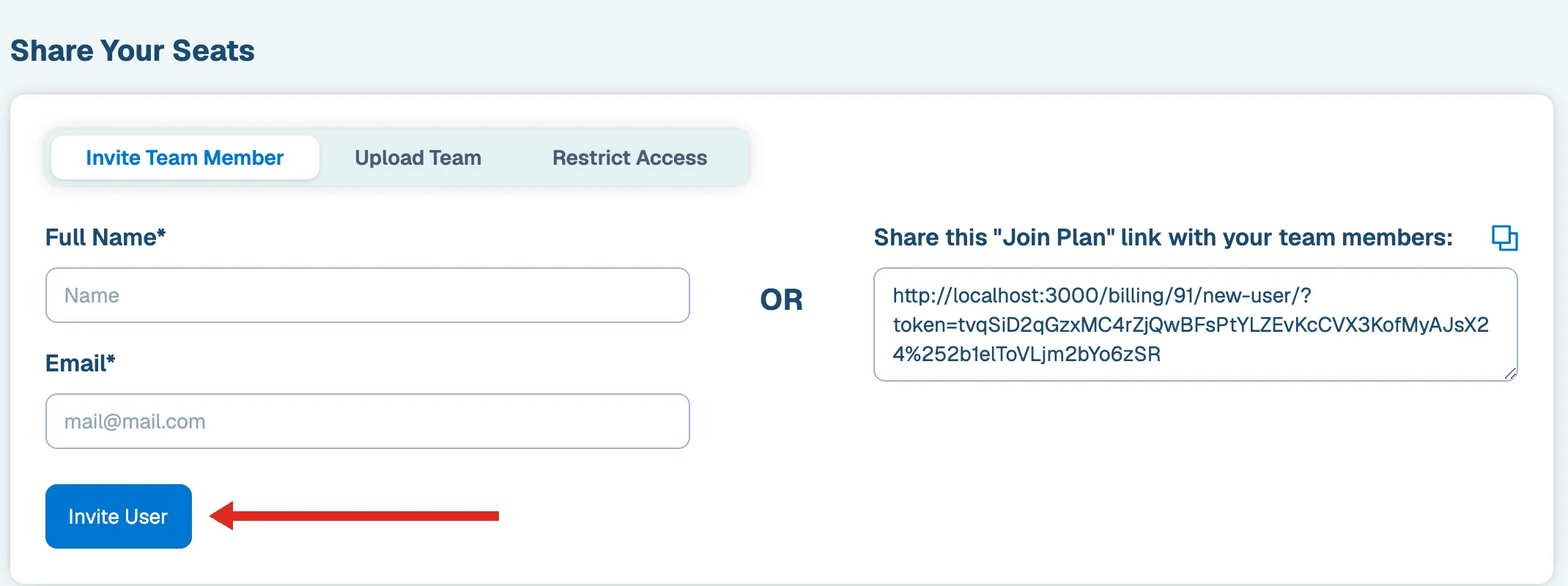
Note: If your plan is full you may be prompted to first add seats before merging plans.