Link Google Calendar to Less Meeting
Less Meeting connects to your Google Workspace calendar through your Google account, so there’s no add-in to install.
- Sign in to Less Meeting and open your Applications settings.
- In the Google Workspace section, click Connect next to Calendar and grant Less Meeting access to your Google account.
- That’s it. Less Meeting finds the meetings on your calendar and syncs them every 30 minutes.
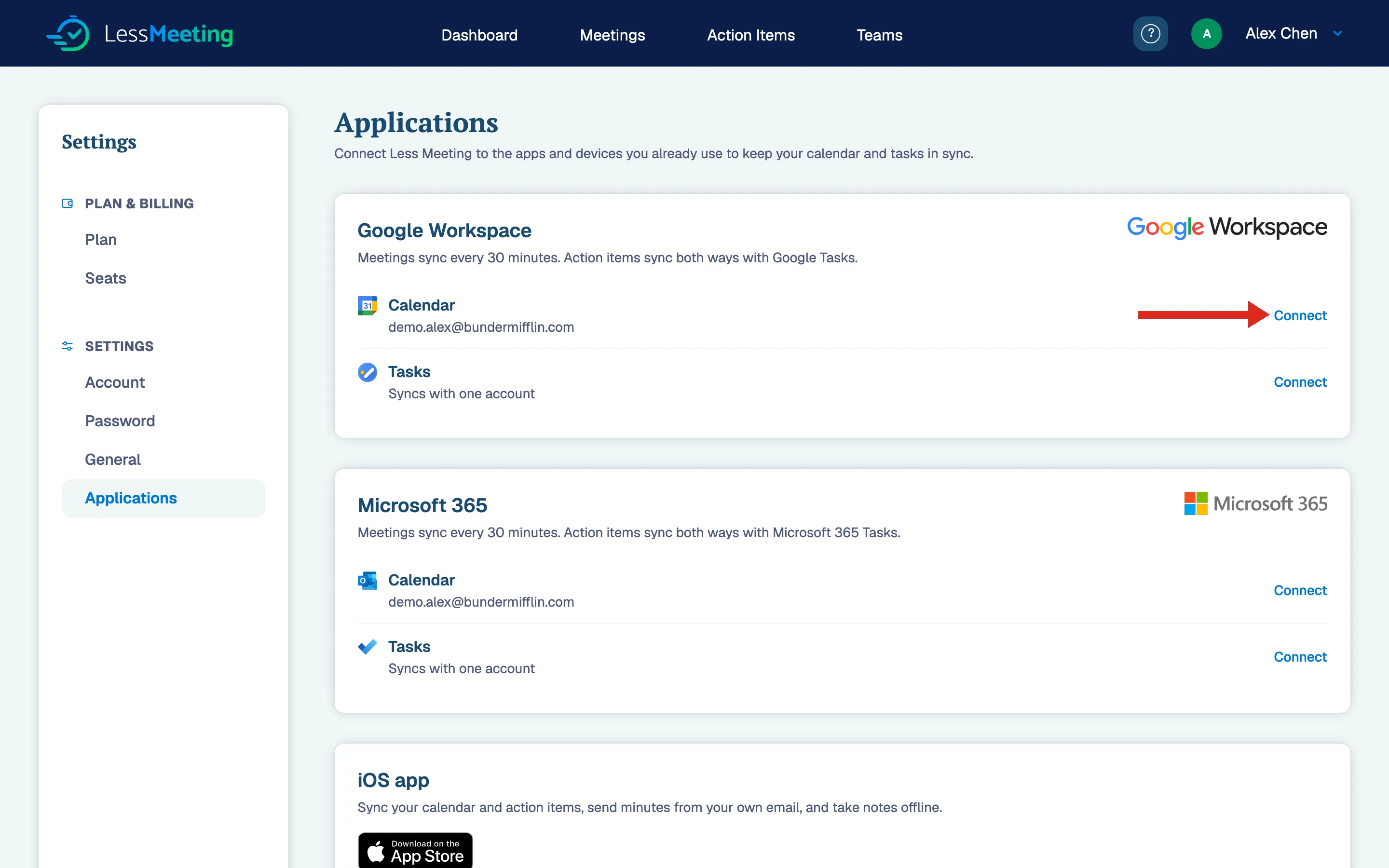
Want your action items in Google Tasks too? Click Connect next to Tasks in the same section, and action items sync both ways.
If you’re still not seeing your meetings sync, you can get more help here.